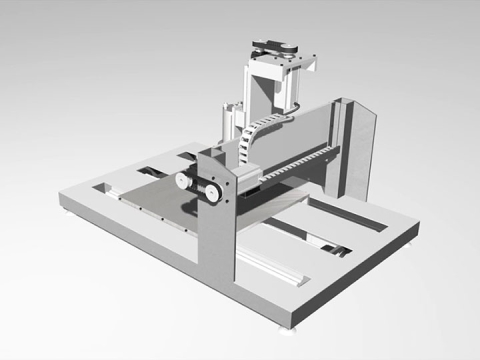
Što je DXF datoteka?
DXF datoteka (Drawing Exchange Format) je 2D vektorska datoteka koju je razvio Autodesk 1982. godine. Pohranjuje linije, lukove, krugove i oblike kao precizne matematičke koordinate, a ne kao piksele.
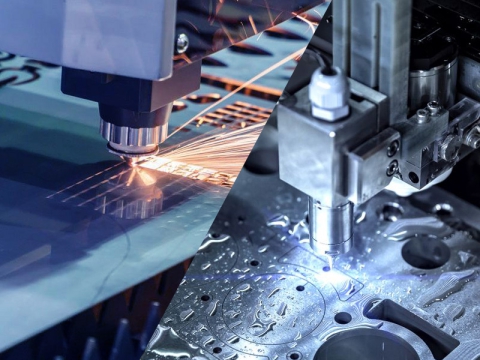
Budući da je DXF otvoreni, univerzalni format, omogućuje slobodno kretanje dizajna između različitih CAD programa i strojeva. Zbog toga je to idealna vrsta datoteke za slanje dizajna CNC usmjerivačima, laserski strojevii plazma stolovi.
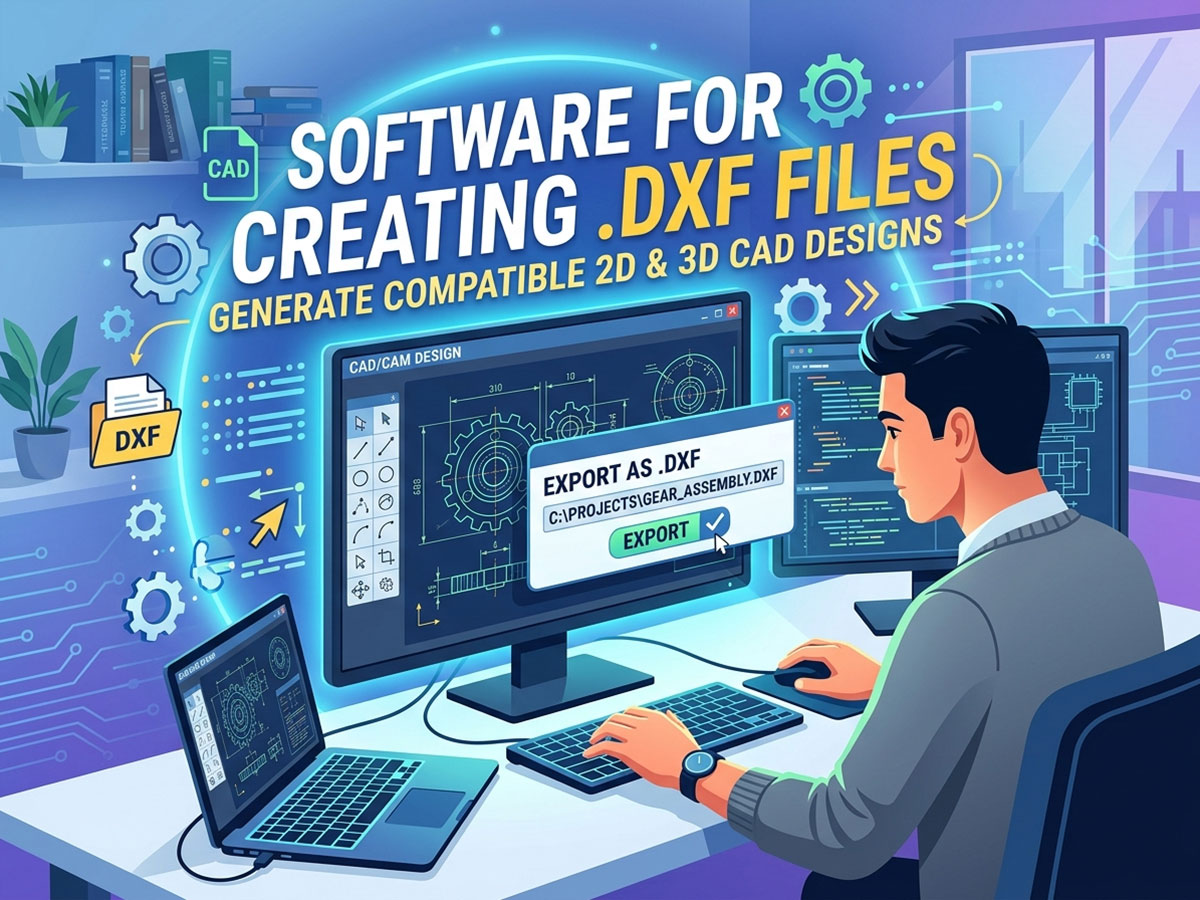
Za što se koristi DXF datoteka?
• Slanje 2D putanja rezanja i graviranja CNC strojevi.
• Razmjena crteža između različitih CAD softverskih platformi.
• Generiranje putanja alata u CAM softveru za usmjeravanje, rezanje i označavanje.
• Dijeljenje skalabilnih, uređivih dizajna bez gubitka preciznosti.
DXF datoteke su posebno popularne za rezanje plazmom, lasersko rezanje, lasersko graviranje i CNC rezbarenje jer format zadržava točne dimenzije koje strojevi trebaju precizno rezati.
Softver za izradu DXF datoteke
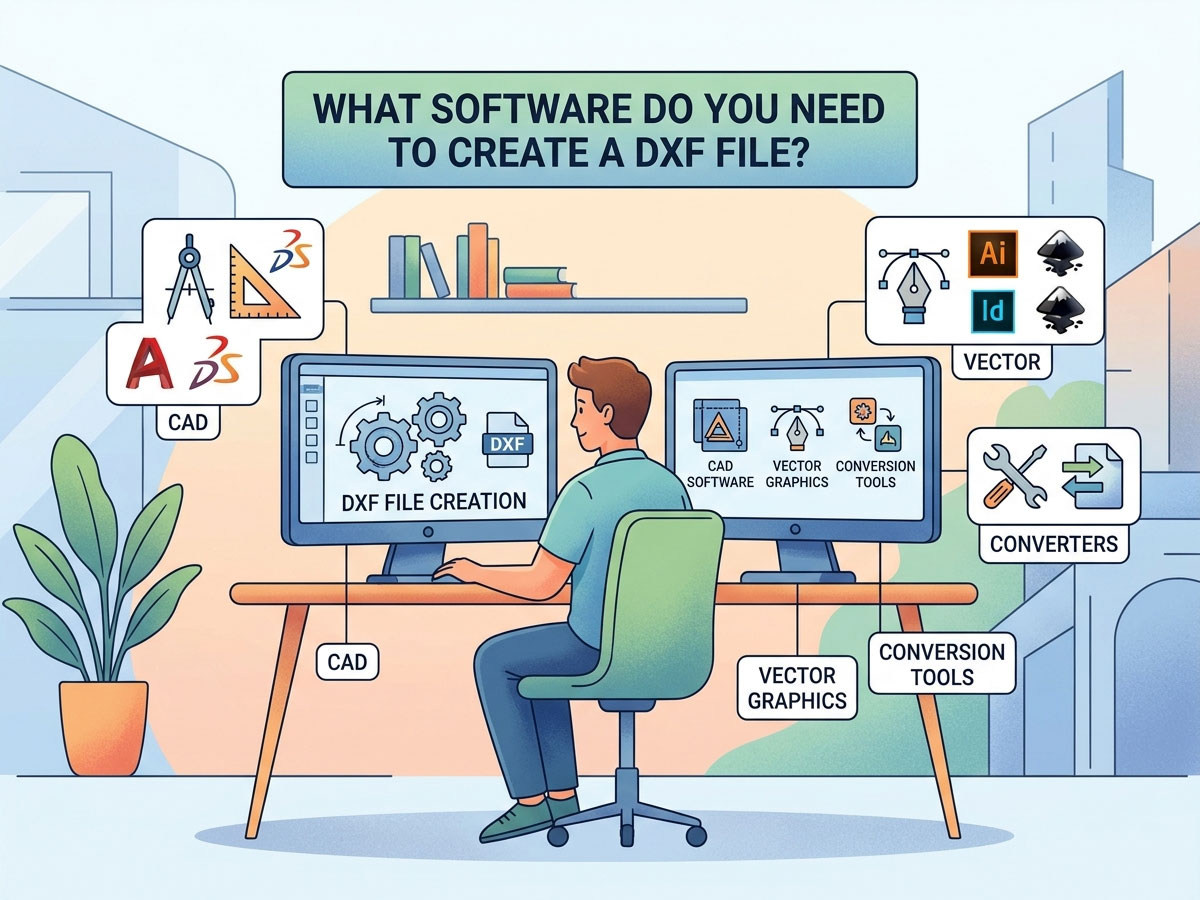
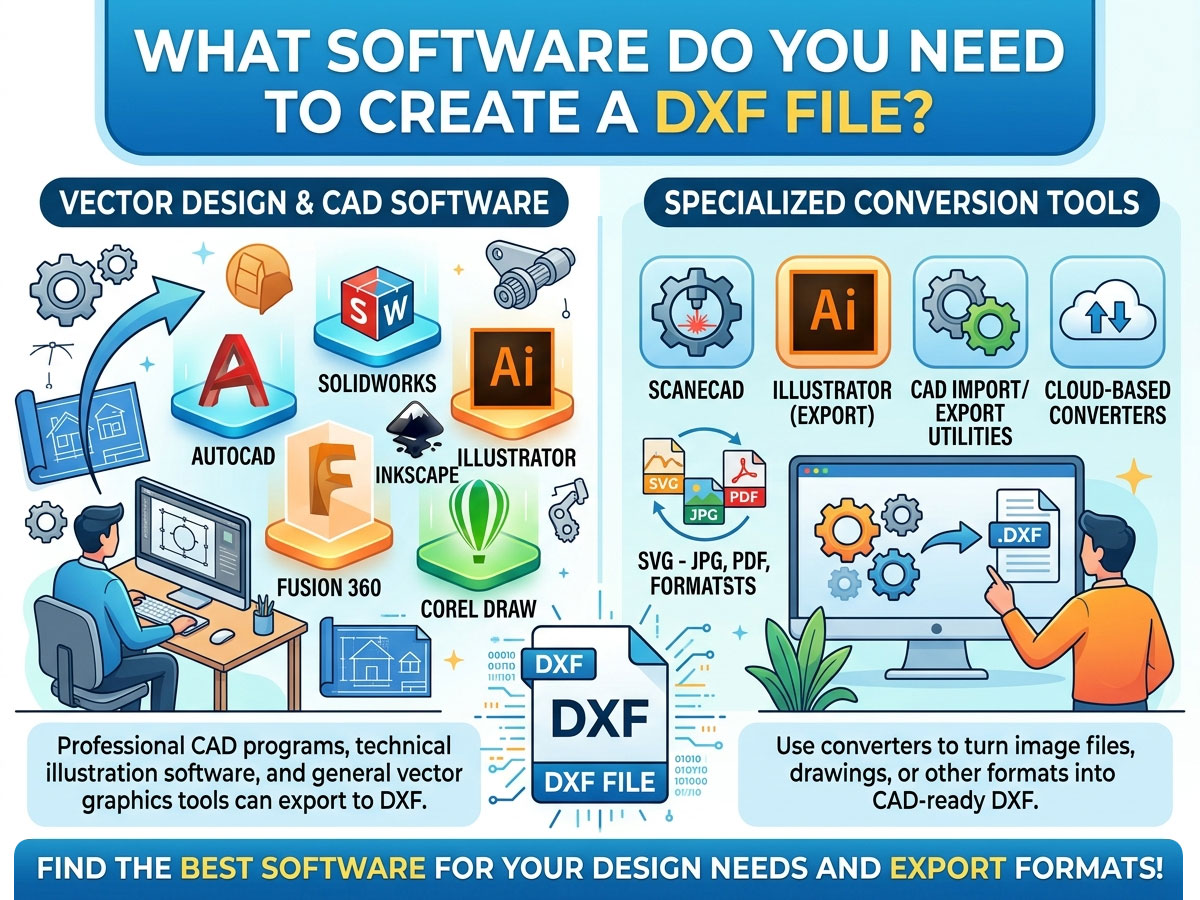
Bilo koji program koji izvozi u .dxf može stvoriti DXF datoteku. Pravi izbor ovisi o tome trebate li 2D crtanje, 3D modeliranje ili vektorsku grafiku, i to u okviru vašeg budžeta. Evo usporedbe najčešće korištenih opcija.
| Softver | Cijena | Tip | Najbolje za |
| LibreCAD | Besplatno | 2D CAD | Hobisti i početnici izrađuju jednostavne 2D dijelove |
| QCad | Besplatno / Plaćeno | 2D CAD | Tehnički crteži s velikom bibliotekom dijelova |
| FreeCAD | Besplatno | 2D + 3D CAD | 2D crtanje otvorenog koda i 3D manekenstvo |
| Inkscape | Besplatno | Vektorska grafika | Pretvaranje grafičkih elemenata i logotipa u DXF format za rezanje |
| DraftSight | Besplatno / Plaćeno | 2D CAD | Sučelje u stilu AutoCAD-a po nižoj cijeni |
| Fusion 360 | Plaćeno (besplatno za hobi) | 2D + 3D CAD / CAM | Profesionalni CNC dizajn plus putanje alata |
| AutoCAD | Plaćen | 2D + 3D CAD | Profesionalno crtanje prema industrijskim standardima |
| Adobe Illustrator | Plaćen | Vektorska grafika | Dizajneri koji pretvaraju vektorsku grafiku u DXF |
Besplatno vs. plaćeno: Koje odabrati?
Ne trebate skupi softver za izradu upotrebljive DXF datoteke. Prilagodite alat složenosti vašeg projekta:
• Odaberite besplatni softver (LibreCAD, FreeCAD, Inkscape) ako ste hobist, izrađujete jednostavne 2D oblike ili tek počinjete.
• Odaberite plaćeni softver (AutoCAD, Fusion 360) ako vam je potreban 3D modeliranje, integrirane CAM putanje alata, profesionalna podrška ili rad u komercijalnoj radionici.
Kako stvoriti DXF datoteku: Korak po korak
Postupak je sličan u većini programa. Evo općeg tijeka rada s bilo kojim CAD ili vektorskim alatom:
• Otvorite softver za dizajn i započnite novi 2D crtež ili dokument.
• Nacrtajte svoj dizajn pomoću linija, lukova, krugova i krivulja. Zadržite sve u točnim stvarnim dimenzijama.
• Postavite ispravne jedinice (milimetre ili inče) kako bi vaš stroj rezao u ispravnom mjerilu.
• Očistite geometriju zatvaranjem otvorenih putanja, spajanjem linija i uklanjanjem dupliciranih ili preklapajućih oblika.
• Idite na Datoteka > Spremi kao ili Datoteka > Izvoz i odaberite .dxf format s popisa vrsta datoteka.
• Odaberite DXF verziju ako se to od vas zatraži (R12 je najuniverzalnije kompatibilna sa starijim strojevima i softverom).
Pretvaranje drugih datoteka u DXF
Ponekad već imate dizajn u drugom formatu. Možete pretvoriti mnoge vrste datoteka u DXF umjesto ponovnog crtanja od nule.
| Pretvori iz | Preporučeni alat | Bilješke |
| Slika (JPG, PNG) | Inkscape, Scan2CAD | Prvo zahtijeva praćenje do vektora |
| SVG vektorska datoteka | Inkscape | Izravan izvoz u DXF |
| PDF crtež | Online konverteri, Illustrator | Najbolje s vektorskim PDF-ovima |
| DWG datoteka | AutoCAD, DraftSight, QCAD | DWG i DXF su usko povezani |
| DXF u PDF (obrnuto) | Bilo koji CAD preglednik, ispis u PDF | Za dijeljenje ili dokumentaciju |
Prilikom pretvaranja slike u DXF, imajte na umu da fotografije prvo moraju biti ocrtane u čiste vektorske obrise. Pretvorba slike u DXF najbolje funkcionira s jednostavnim, visokokontrastnim logotipima i linijskom umjetnošću, a ne s detaljnim fotografijama.
Kako otvoriti i pregledati DXF datoteku
Izrada DXF-a je samo pola posla. Također ga trebate otvoriti i provjeriti prije slanja na svoj uređaj.
Načini otvaranja DXF datoteke
✓ CAD softver: AutoCAD, LibreCAD, QCAD i FreeCAD izvorno otvaraju DXF datoteke.
✓ Besplatni DXF preglednici online: Preglednici u pregledniku omogućuju vam pregled datoteke bez instaliranja ičega, idealno za brzu provjeru.
✓ Vektorski urednici: Inkscape i Adobe Illustrator otvaraju i uređuju DXF crteže.
✓ Softver za stroj: LightBurn (laser), Mach5 i sličan upravljački softver izravno uvoze DXF za rezanje.
Za otvaranje DXF-a u AutoCAD-u, jednostavno upotrijebite Datoteka > Otvori i odaberite .dxf datoteku ili je povucite u radni prostor. Za uvoz specifičan za stroj, vaš CNC i laserski softver čita DXF i pretvara geometriju u putanje alata za rezanje.
Korištenje DXF datoteka s vašim CNC, laserskim ili plazma strojem
DXF je most između vašeg dizajna i vašeg stroja. Tipičan tijek rada izgleda ovako:
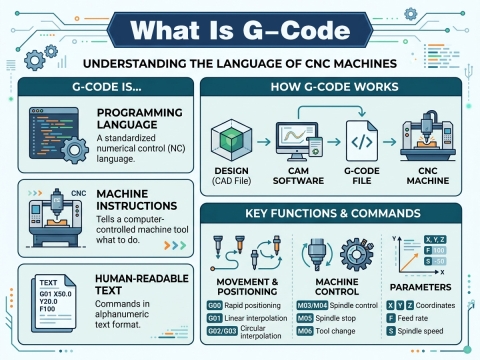
Dizajn u CAD-u → Izvoz kao DXF → Uvoz u CAM ili softver za upravljanje strojem → Generiranje putanja alata ili G-koda → Rezanje. Da biste saznali kako sljedeći korak funkcionira, pročitajte STYLECNC vodič na kako generirati G-kod datoteku iz vašeg dizajna.
• CNC glodalice: DXF datoteke definiraju 2D profile za rezanje drva, akrila i kompozita. Uparite ih s CAM softverom za generiranje putanja alata.
• Laserski rezači i graviri: DXF obrisi govore laseru točno gdje treba rezati ili zarezati. Programi poput LightBurna izravno uvoze DXF.
• Plazma rezači: Besplatne DXF datoteke za plazma rezanje široko su dostupne na internetu, što olakšava početak proizvodnje metalnih umjetnina i dijelova.
Ako birate alate za svoj stroj, STYLECNC Popis softvera za CNC programiranje opisuje koji programi za dizajn i upravljanje najbolje funkcioniraju za glodalice, lasere i plazma stolove.
Gdje pronaći besplatne DXF datoteke
Ako biste radije započeli s gotovim nacrtima, na internetu postoje mnoge besplatne DXF biblioteke. Savršene su za lasersko rezanje, plazma umjetnost i CNC projekte.
• Besplatne DXF datoteke za lasersko rezanje: znakovi, ukrasi, kutije i predlošci za dekor.
• Besplatne DXF datoteke za rezanje plazmom: metalni ukrasi, nosači i funkcionalni dijelovi.
• Knjižnice zajednice i forumi za izradu gdje korisnici dijele svoje dizajne.
Uvijek prvo testirajte preuzeti DXF na otpadnom materijalu, budući da se kvaliteta i skala datoteke mogu razlikovati ovisno o izvoru.
Često postavljana pitanja
Koji je najlakši besplatni softver za izradu DXF datoteke?
LibreCAD je najjednostavnija besplatna opcija za početnike koji izrađuju 2D DXF datoteke. Za pretvaranje logotipa i umjetničkih djela, Inkscape je najjednostavniji besplatni vektorski alat koji izvozi u DXF.
Mogu li stvoriti DXF datoteku bez AutoCAD-a?
Da. AutoCAD nije potreban. Besplatni programi poput LibreCAD-a, FreeCAD-a i Inkscapea stvaraju i izvoze DXF datoteke koje rade s CNC, laserskim i plazma strojevima.
Kako otvoriti DXF datoteku online?
Koristite DXF preglednik u pregledniku. Prenesite datoteku u besplatni online DXF preglednik kako biste pregledali crtež bez instaliranja softvera. Za uređivanje koristite CAD ili vektorski softver za stolna računala.
Koja je razlika između DXF-a i DWG-a?
Oba su Autodeskov format. DWG je izvorni AutoCAD format, dok je DXF otvoreni format za razmjenu dizajniran za kompatibilnost između različitih programa. DXF je univerzalnije prihvaćen od strane CNC i laserskih strojeva.
Mogu li pretvoriti sliku u DXF datoteku?
Da, ali slika se prvo mora pretvoriti u vektorske obrise. Alati poput Inkscapea i Scan2CAD-a pretvaraju jednostavne, visokokontrastne logotipe i linijsku grafiku u DXF. Detaljne fotografije se ne pretvaraju dobro.
U kojoj DXF verziji trebam spremiti?
Spremite verziju R12 za najširu kompatibilnost sa starijim strojevima i softverom. Novije verzije podržavaju više značajki, ali ih možda neće moći pročitati svi CNC i laserski programi za upravljanje.
Od dizajnerske datoteke do gotovog dijela
Nakon što možete stvoriti čiste DXF datoteke, spremni ste pretvoriti dizajne u stvarne dijelove. Istražite STYLECNC CNC softver i alati za dizajn, pregledajte Ponuda CNC glodalicaili pogledajte cijeli asortiman strojevi za lasersko graviranje i strojevi za lasersko rezanje kako biste oživjeli svoje DXF dizajne.